# AI 用量統計

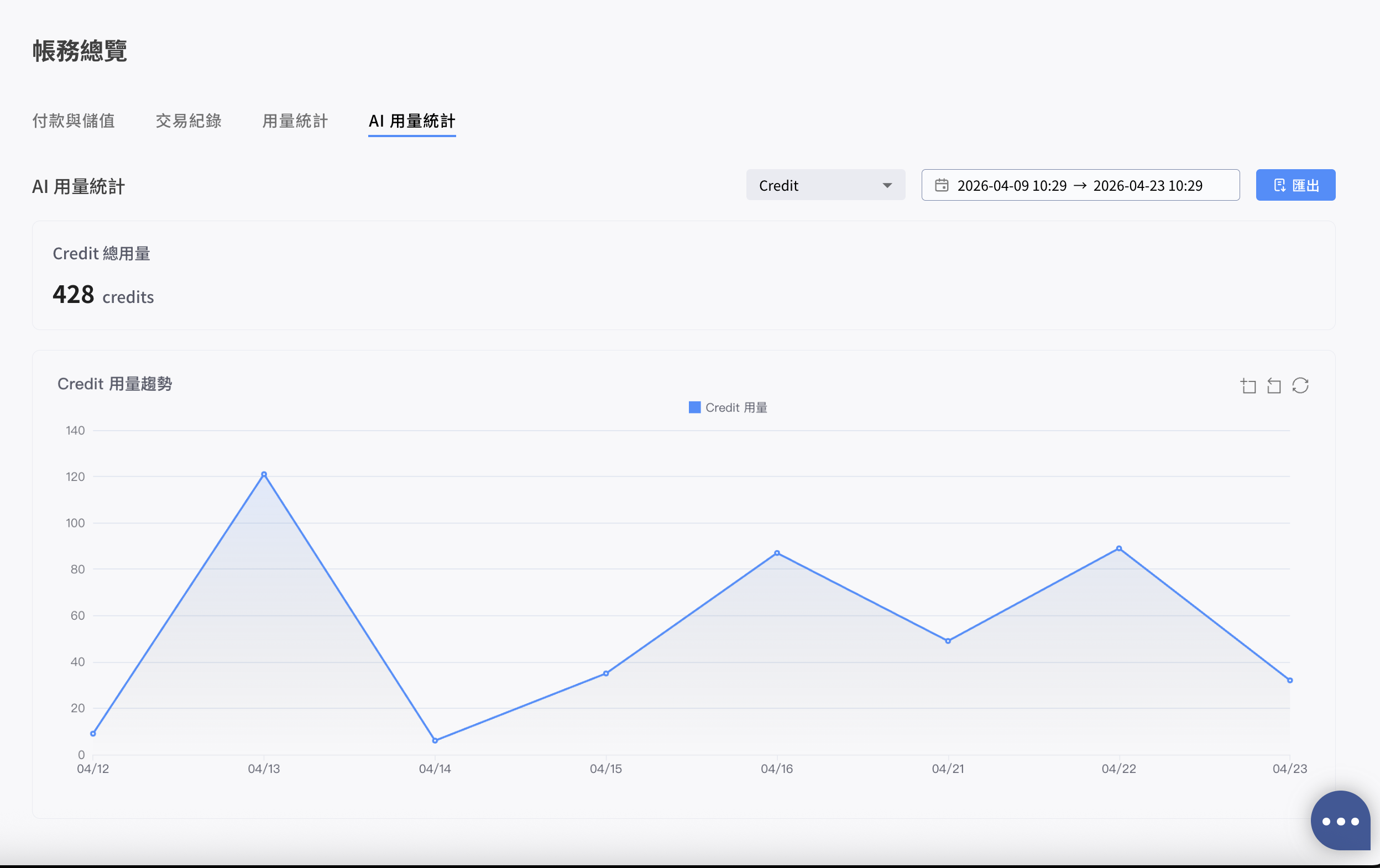
<figure><img src="/files/4MLp0L8pJc6WPQZc0ask" alt=""><figcaption><p>AI 用量統計 - Credit</p></figcaption></figure>

{% hint style="info" %}
此分頁僅 **Pre-Paid（預付）團隊** 可見；Post-Paid（後付月結）團隊不會顯示此分頁。
{% endhint %}

### 入口位置

帳務總覽 > 「AI 用量統計」分頁（與「付款與儲值」、「交易紀錄」、「用量統計」並列）。

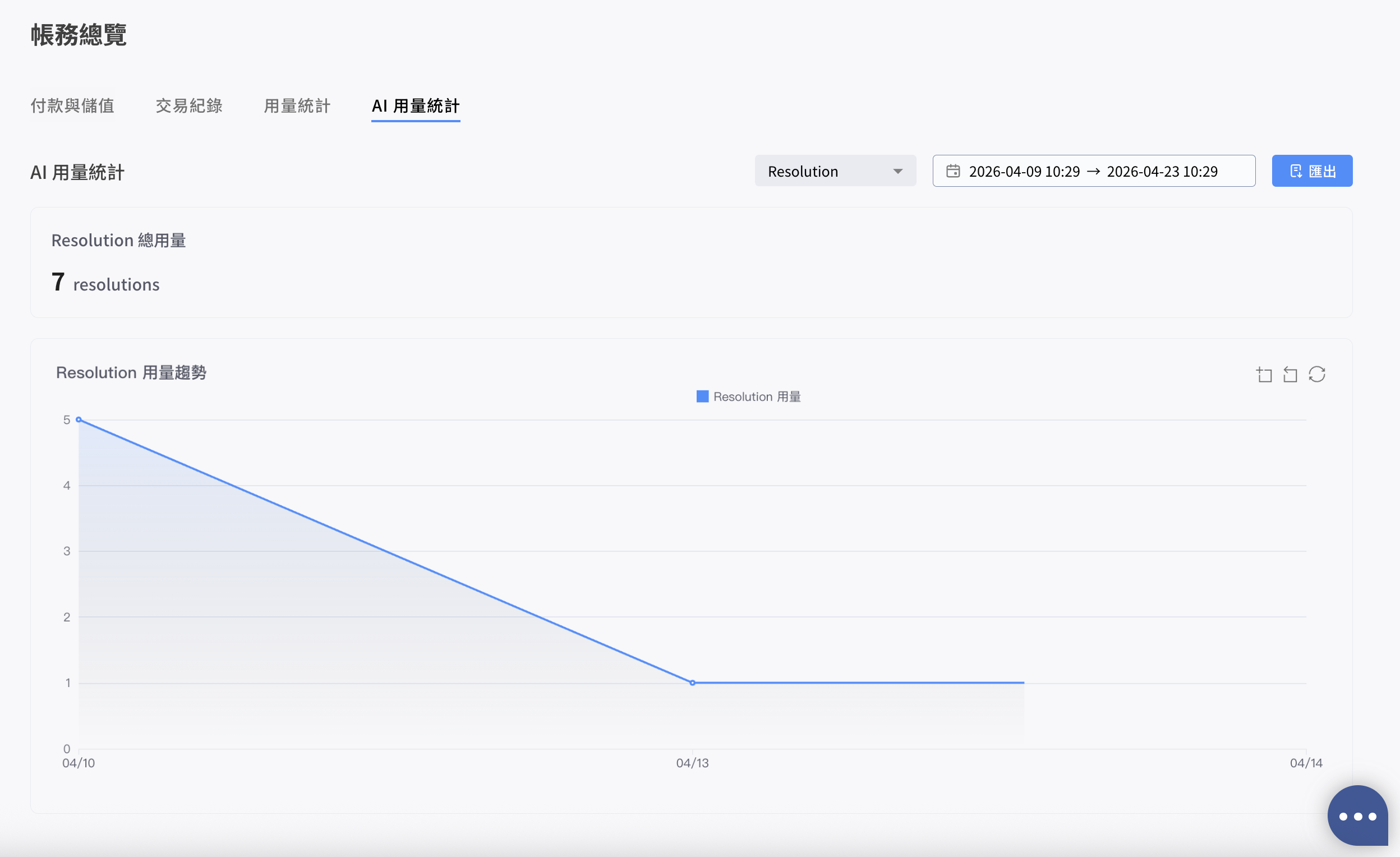
### 折線圖

以時間軸顯示選取區間的 AI 用量趨勢，圖表粒度會依區間自動切換：

* 區間超過 3 天：以「日」為單位聚合
* 區間在 3 天以內：以「小時」為單位聚合

### 篩選條件

* **Type（類型）**：Credit 或 Resolution，預設為 Credit
* **Date Range（日期區間）**：預設近 14 天，可選至小時粒度，最大可查詢區間為 90 天，時區依團隊設定

### 摘要卡片

顯示選取期間的總用量（例如：5,230 credits 或 412 resolutions）。

<figure><img src="/files/qwGKtGerDGz2jkpEJ4f5" alt=""><figcaption><p>AI 用量統計 - Resolution</p></figcaption></figure>

### 匯出內容（下載 CSV）

依當前篩選條件匯出**原始紀錄**，檔名格式如下：

* `AI_Credit_Usage_YYYYMMDD-YYYYMMDD.csv`
* `AI_Resolution_Usage_YYYYMMDD-YYYYMMDD.csv`

#### -Credit

* 時間（Datetime）
* 類型（Type）
* 功能（Feature）
  * Bot Builder
  * Media Gallery
* 使用次數（Usage Count）
* 團隊成員（User Name）

#### -Resolution

* 時間（Datetime）
* 平台（Platform）：LINE、WhatsApp 等
* 渠道 ID（Channel ID）
* User ID


---

# Agent Instructions: Querying This Documentation

If you need additional information that is not directly available in this page, you can query the documentation dynamically by asking a question.

Perform an HTTP GET request on the current page URL with the `ask` query parameter:

```
GET https://docs.omnichat.ai/features/she-ding/zhang-wu-zong-lan/ai-usage-report.md?ask=<question>
```

The question should be specific, self-contained, and written in natural language.
The response will contain a direct answer to the question and relevant excerpts and sources from the documentation.

Use this mechanism when the answer is not explicitly present in the current page, you need clarification or additional context, or you want to retrieve related documentation sections.