> For the complete documentation index, see [llms.txt](https://docs.omnichat.ai/llms.txt). Markdown versions of documentation pages are available by appending `.md` to page URLs; this page is available as [Markdown](https://docs.omnichat.ai/en/features/she-ding/billing-overview-revamped/ai-usage-report.md).
# AI Usage Report
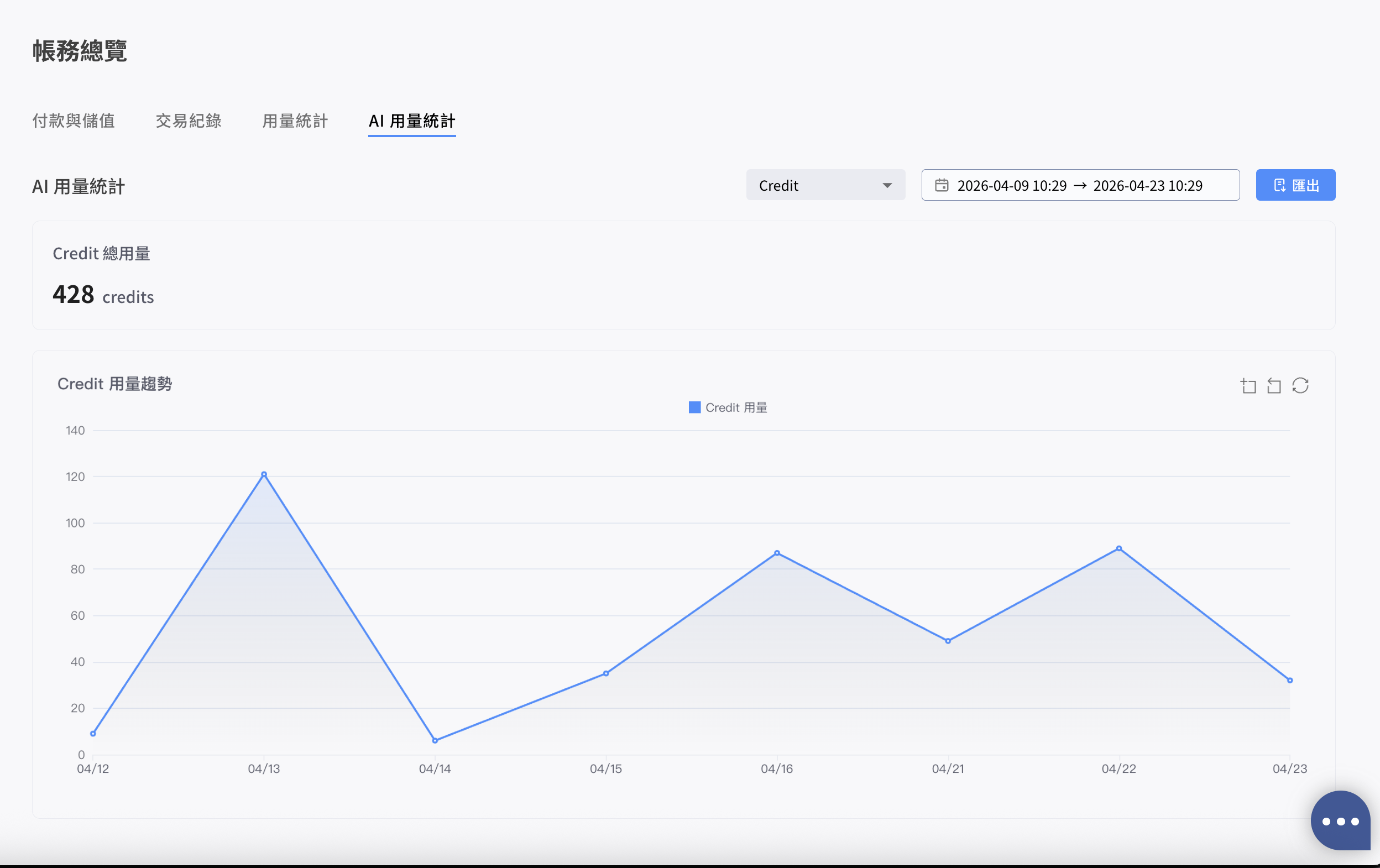
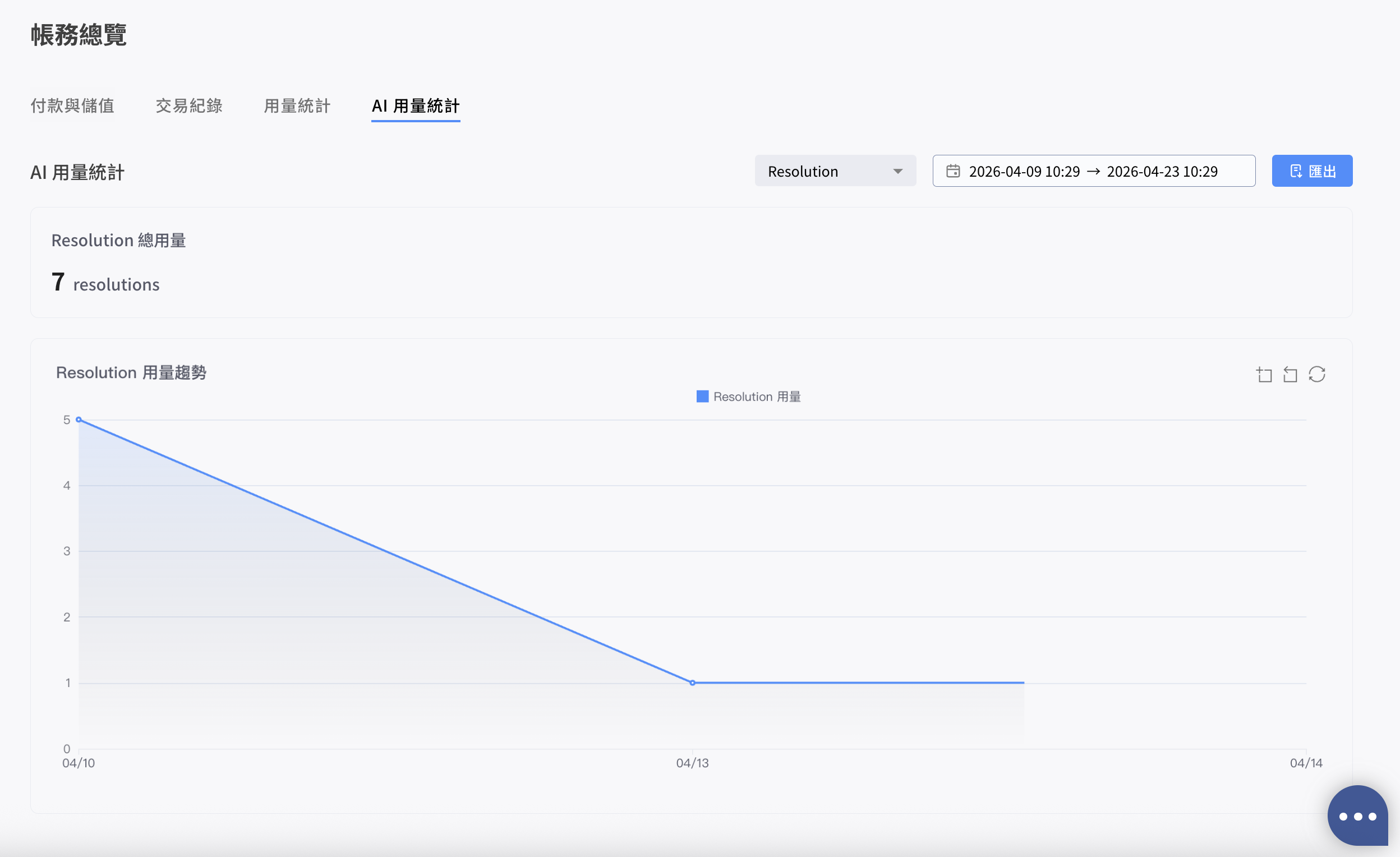
A line chart that shows the Credit / Resolution usage trend of Omni AI, with CSV export of raw data for team analysis and reporting.
AI Usage Report — Credit
{% hint style="info" %}
This tab is only visible to **Pre-Paid teams**. Post-Paid (monthly billing) teams do not see this tab.
{% endhint %}
### Where to find it
Billing Overview > the **AI Usage Report** tab (alongside Payment & Recharge, Transaction Records, and Usage Statistics).
### Line chart
Shows the AI usage trend within the selected range on a time axis. The chart granularity switches automatically based on the range:
* Range longer than 3 days: aggregated by **day**
* Range within 3 days: aggregated by **hour**
### Filters
* **Type:** Credit or Resolution. Defaults to Credit.
* **Date Range:** Defaults to the last 14 days; selectable down to hour granularity. The maximum query range is 90 days; the time zone follows the team's setting.
### Summary card
Displays the total usage for the selected period (e.g. 5,230 credits or 412 resolutions).
AI Usage Report — Resolution
### Export (Download CSV)
Exports the **raw records** matching the current filters. File name format:
* `AI_Credit_Usage_YYYYMMDD-YYYYMMDD.csv`
* `AI_Resolution_Usage_YYYYMMDD-YYYYMMDD.csv`
#### Credit
* Datetime
* Type
* Feature
* Bot Builder
* Media Gallery
* Usage Count
* User Name
#### Resolution
* Datetime
* Platform: LINE, WhatsApp, etc.
* Channel ID
* User ID